
Guide
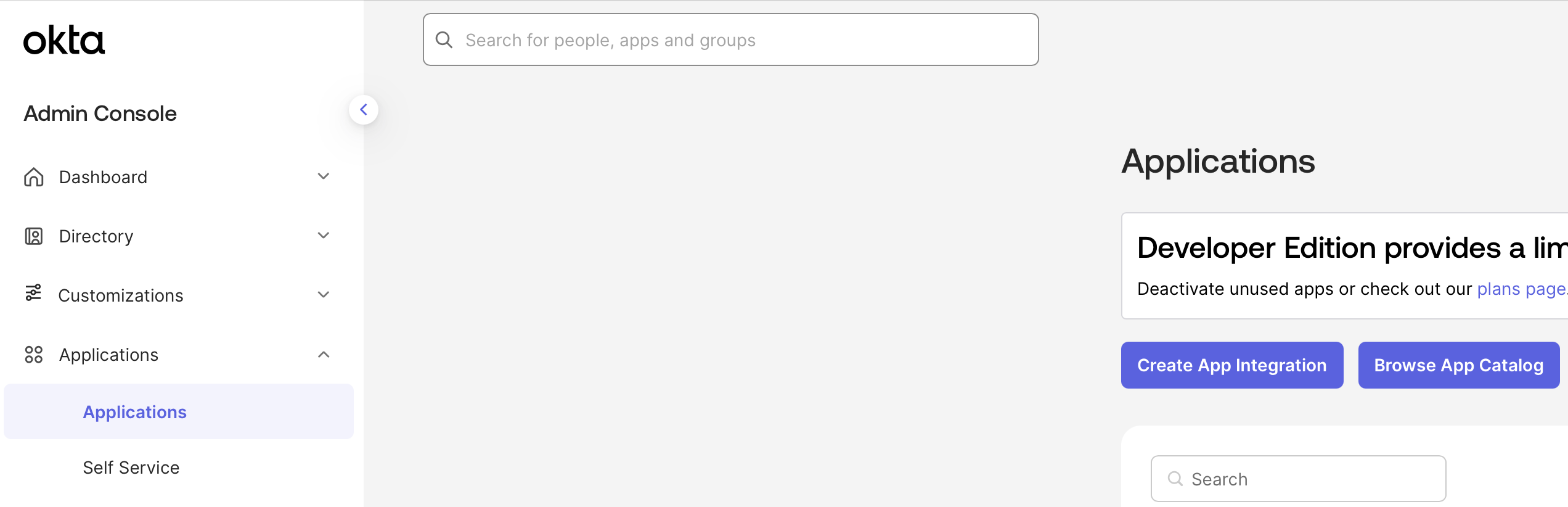
Configure Okta Application
Select OIDC and Web Application.Name your application Determine whether all users or select groups may access Sigma or skip this step and assign users later.
Sigma.Add a Sign-in redirect URISave OIDC Credentials
Create the new Application and save the Client ID and Client Secret.Also note your Okta Base URL in the format of
https://<YOUR_ORG_NAME>.okta.com.After saving your application,
you can upload the Sigma logo or your white-labeled logo by clicking the gear icon next to the app title Sigma